Variable

{% set %}Stores a value or query result for reuse across your template.What it does
The Variable block stores a named value — a query, an expression, or a static value — so you can reference it later in your template. This is useful when you need data before a loop runs (e.g. showing a total count above the list).
How to use it
- Add a Variable block
- Enter a name for the variable
- Select a source — query or expression
Build it visually
For a query source, you don't have to write the arguments by hand. The Query Builder sets them up field by field, with the visual and code views in sync.
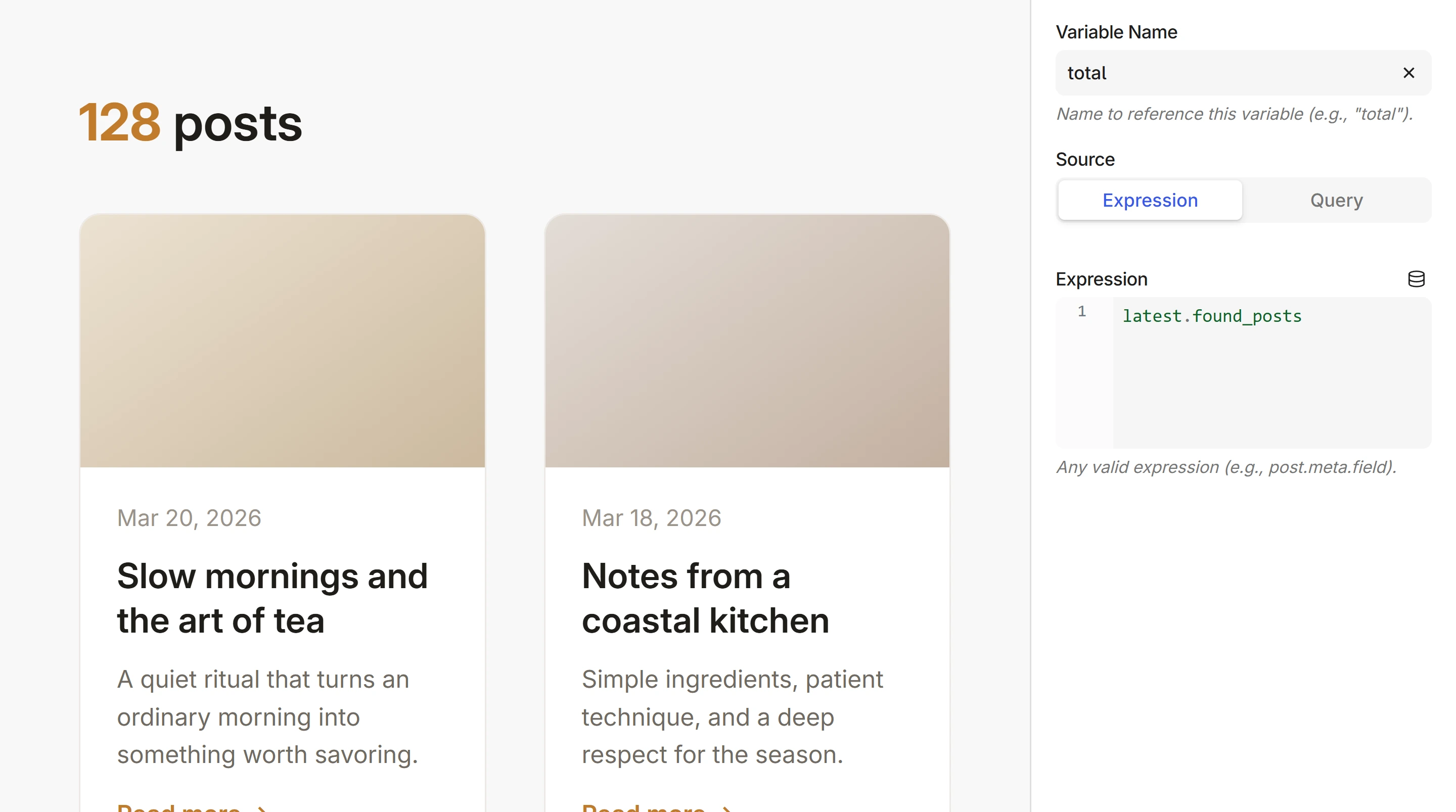
Under the hood, the Variable generates a {% set %} expression:
{% set posts = get_posts({'post_type': 'post', 'posts_per_page': 9}) %}

<p>{{ posts.found_posts }} posts</p>

{% for post in posts %}
    <h2>{{ post.title }}</h2>
{% endfor %}
See the Variables reference for use cases, computed values, and advanced patterns.
Next steps
- Variables — scoping, pagination use case, and editor preview notes
- Loop — repeat content with data queries
- Dynamic Data — all available data providers