Variable

{% set %}Stores a value or query result for reuse across your template.What it does
The Variable block stores a named value — a query, an expression, or a static value — so you can reference it later in your template. This is useful when you need data before a loop runs (e.g. showing a total count above the list).
How to use it
- Add a Variable block
- Enter a name for the variable
- Select a source — query or expression
Roadmap
A fully visual, composable query builder is planned for a future release — making it accessible to anyone without needing to write query arguments manually.
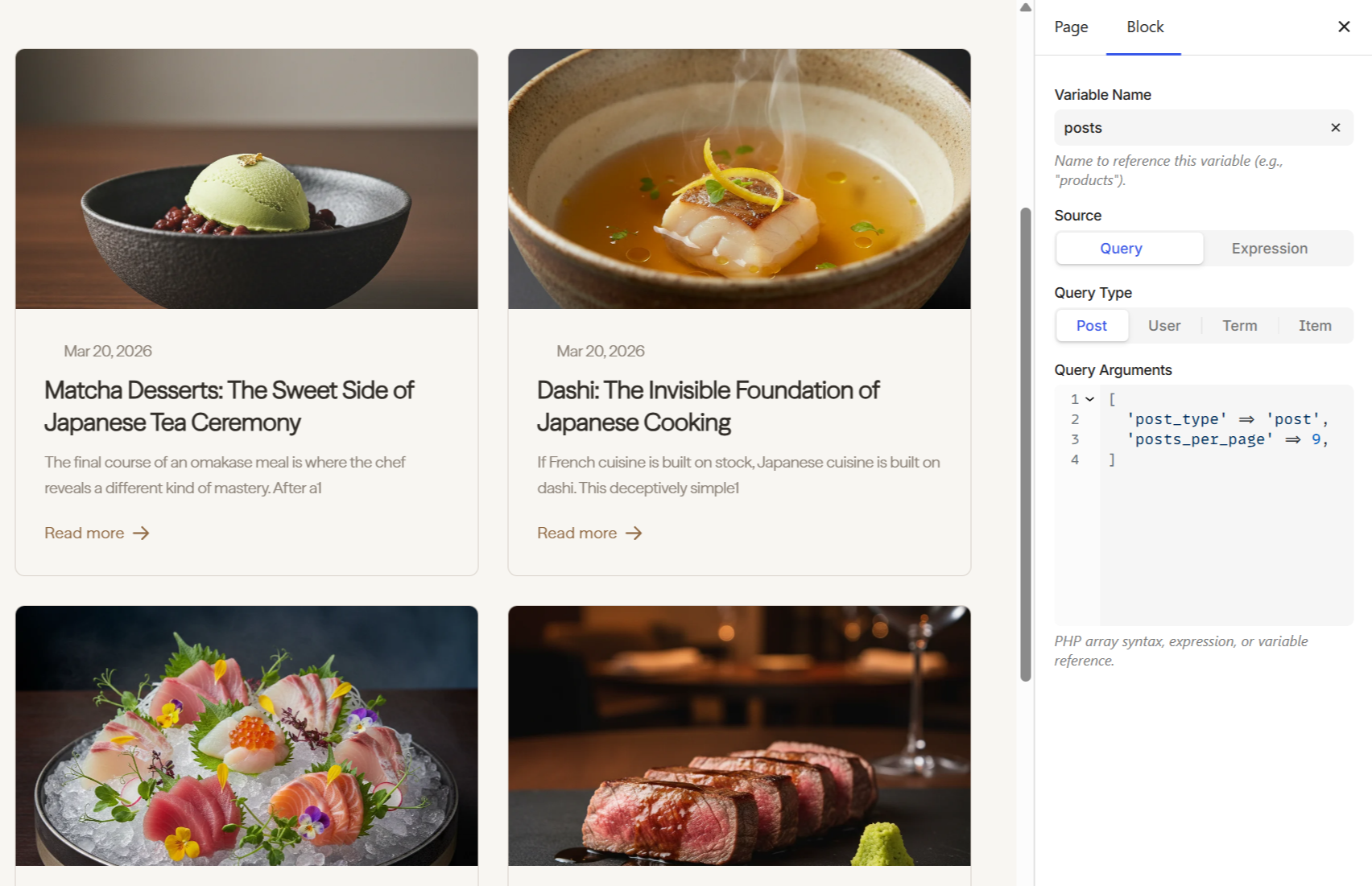
Under the hood, the Variable generates a {% set %} expression:
{% set posts = get_posts({'post_type': 'post', 'posts_per_page': 9}) %}

<p>{{ posts.found_posts }} posts</p>

{% for post in posts %}
    <h2>{{ post.title }}</h2>
{% endfor %}
See the Variables reference for use cases, computed values, and advanced patterns.
Next steps
- Variables — scoping, pagination use case, and editor preview notes
- Loop — repeat content with data queries
- Dynamic Data — all available data providers