Loop

{% for %}Repeats inner blocks for each item in a data source.What it does
The Loop block repeats its inner blocks once for each item in a data source — posts, pages, categories, users, or any custom data. Whatever blocks you place inside the Loop will render once per item.
How to use it
- Add a Loop block
- Set a query name to expose query metadata (e.g. for pagination)
- Set a data alias — the variable name to access the current item (e.g.
post,product) - Enable Inherit Query to use the page's main query (for archive/index templates)
- Or select a query type (post, term, user, or item) and enter the query arguments
The Loop block generates the query for you.
Roadmap
A fully visual, composable query builder is planned for a future release — making it accessible to anyone without needing to write query arguments manually.
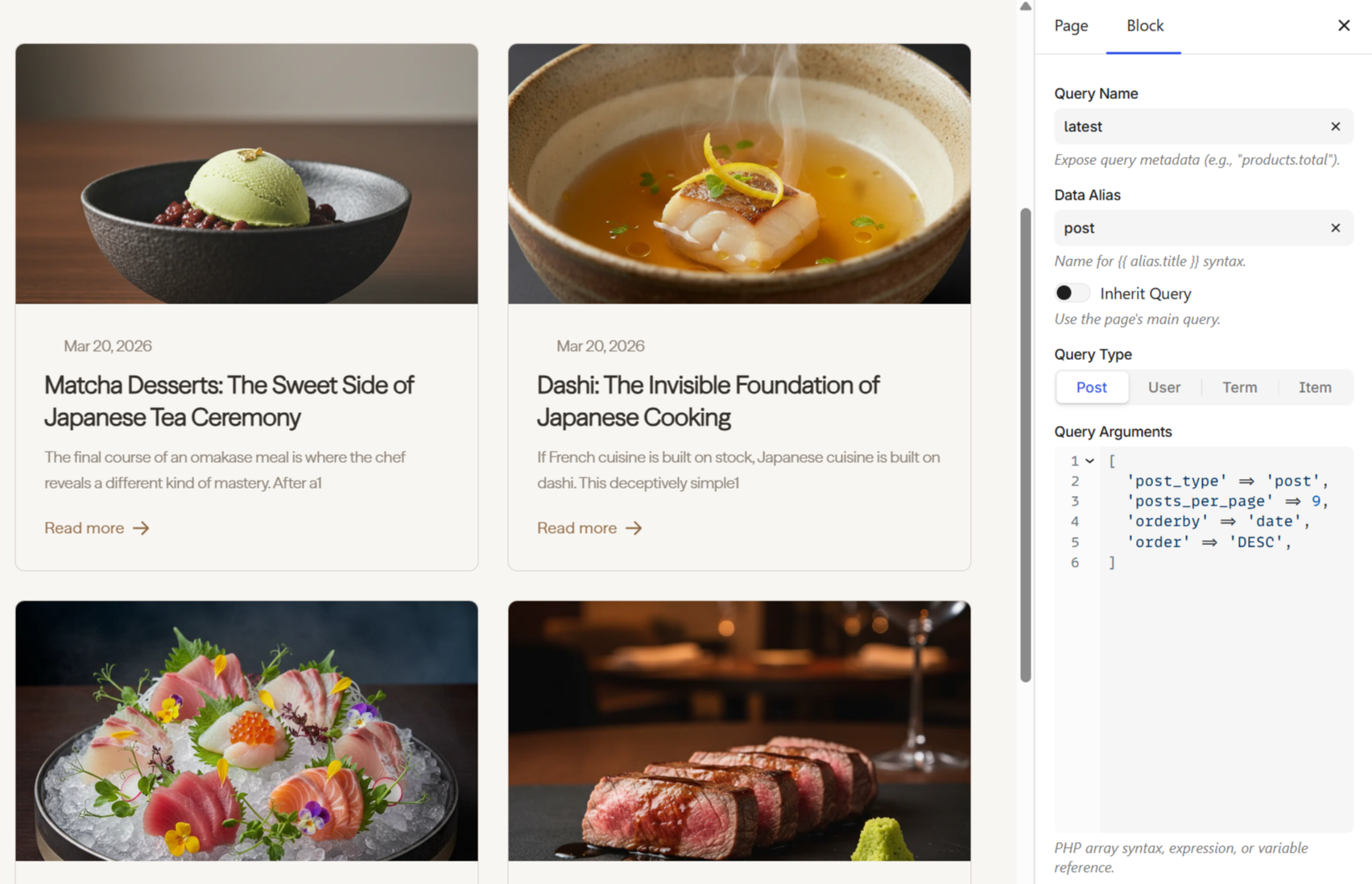
Under the hood, the Loop generates a {% for %} expression:
{% for post in get_posts({'post_type': 'post', 'posts_per_page': 9}) %}
You don't need to write this yourself — the block interface handles it. See the Loop overview for the full syntax, data sources, nested loops, and examples.
Next steps
- Loop overview — item variables, empty states, nested loops
- Query Posts — all arguments for querying posts
- Pagination — add page navigation to loops
- Condition — show or hide content based on data