AI Assistant
This page introduces the AI Assistant and shows you how to start using it.
What is Unbot AI
Unbot is a chat assistant built into the WordPress block editor. It helps you build pages, design layouts, and write content — all through conversation.
You describe what you want. The AI builds it.
No switching between tools. No copy-pasting code. You stay in the editor the whole time.
Opening the AI Assistant
Look for the Unbot icon in the editor toolbar. Click it to open the chat panel on the right side of the editor.
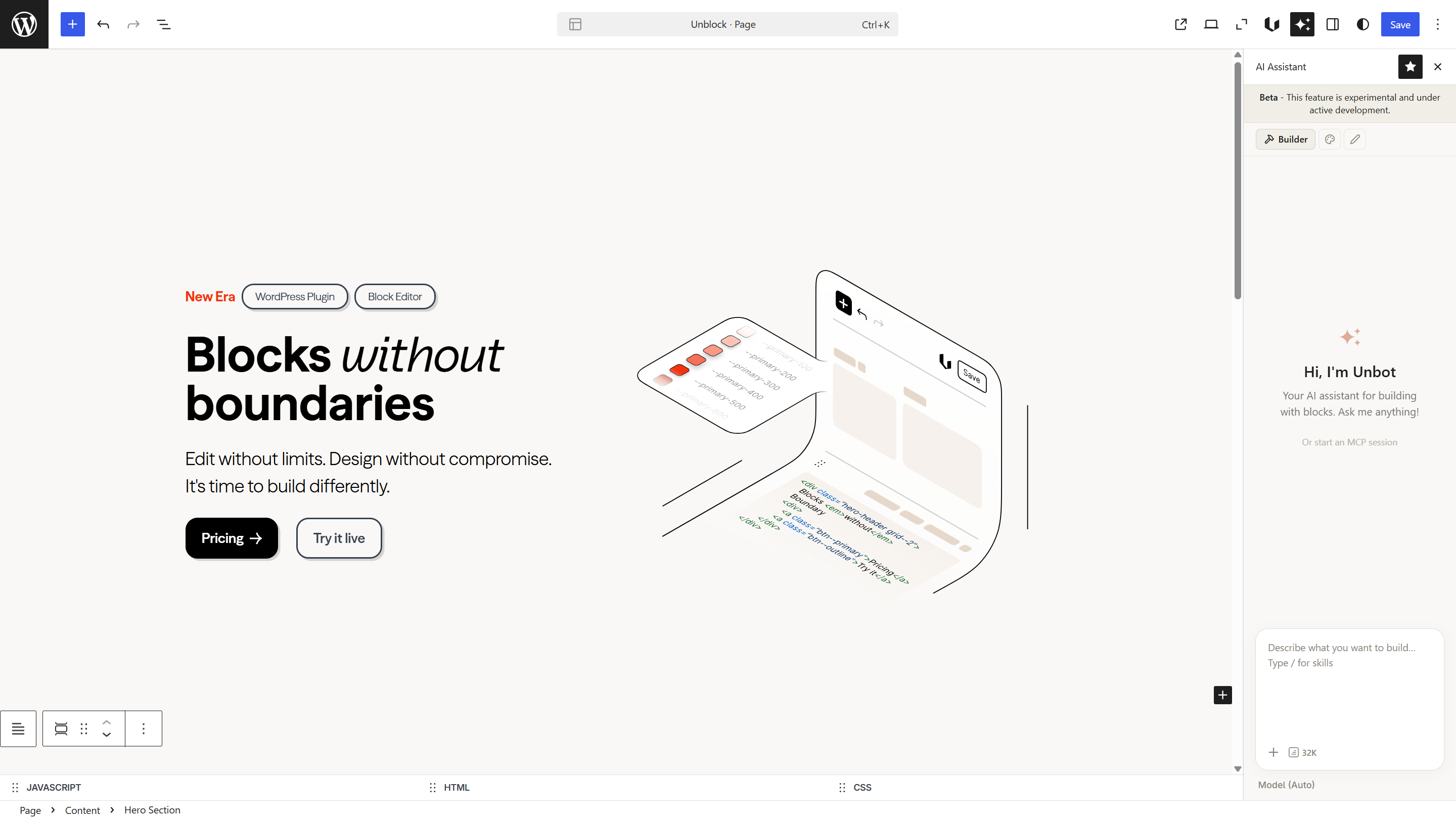
Three specialized agents
The AI has three agents, each focused on a different job:
- Builder — creates and modifies blocks, builds page structure
- Designer — handles visual styling like colors, spacing, and typography
- Writer — writes and edits text content
You switch between them using the icons at the top of the chat panel — the hammer (Builder), the palette (Designer), and the pen (Writer). See the Agents page for a full breakdown of each one.
File attachments
You can drag and drop images or PDFs directly into the chat. This gives the AI extra context — a design mockup to replicate, brand guidelines to follow, or a reference layout.
Conversation
Messages stream in real-time as the AI works. You can scroll back through the conversation to review what was done.
To start fresh, clear the conversation history. This resets the context and lets you begin a new task without previous messages influencing the result.
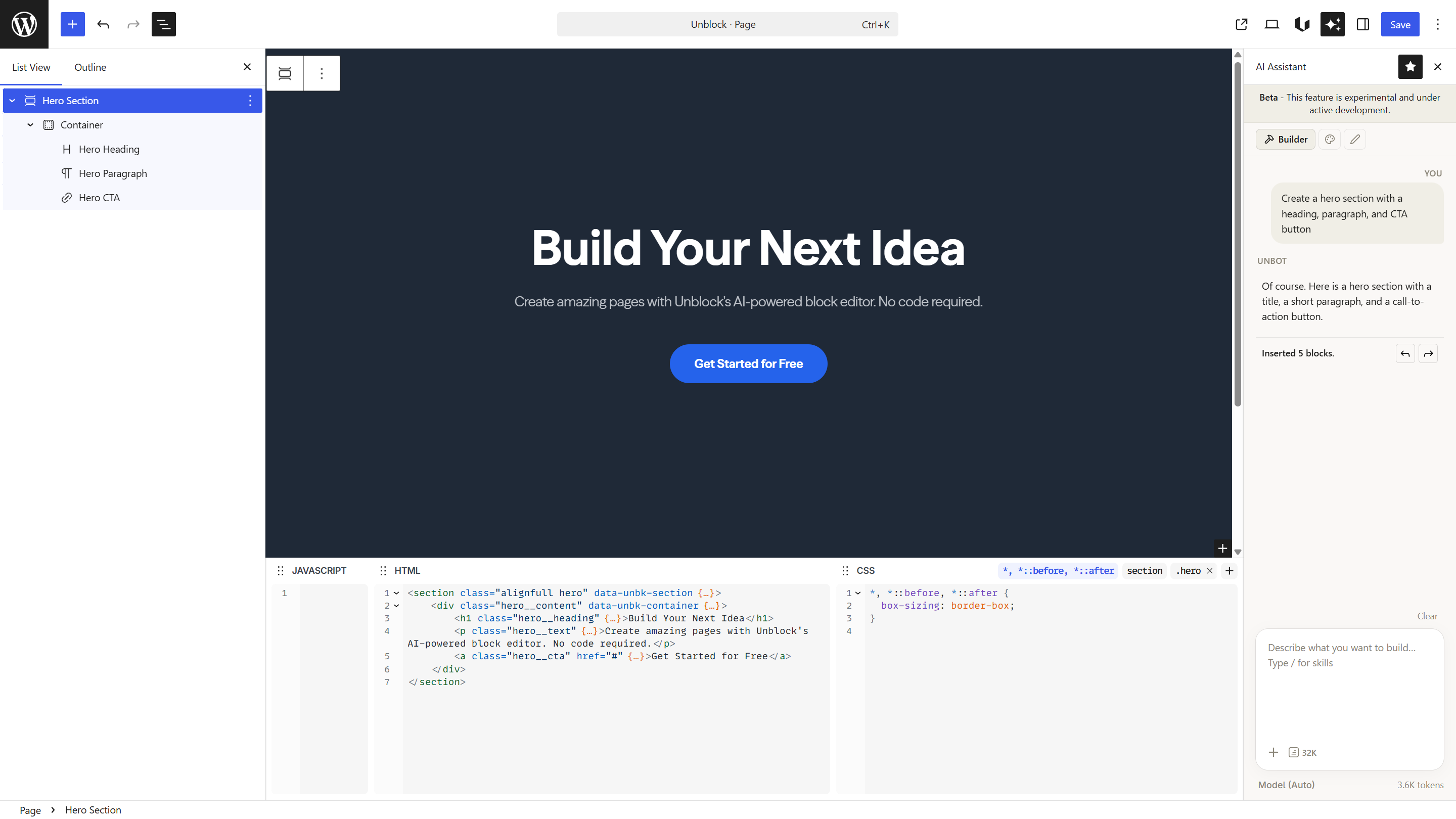
The AI works with what's on your page. If your page is empty, give it a detailed prompt. If your page already has content, the AI understands the existing structure and can modify it.
Next steps
- Agents — learn what each agent does and when to use it
- Skills — activate extra capabilities like image generation and animations
- Prompting Tips — write prompts that get better results