Condition

{% if %}Shows or hides content based on an expression.What it does
The Condition block wraps other blocks and shows them only when an expression is true. If the expression is false, the content is hidden entirely.
The condition is only evaluated on the frontend — inner blocks are always visible in the editor so you can build and style them normally.
How to use it
- Add a Condition block
- Enter an expression that evaluates to true or false
- Place the blocks you want to conditionally show inside
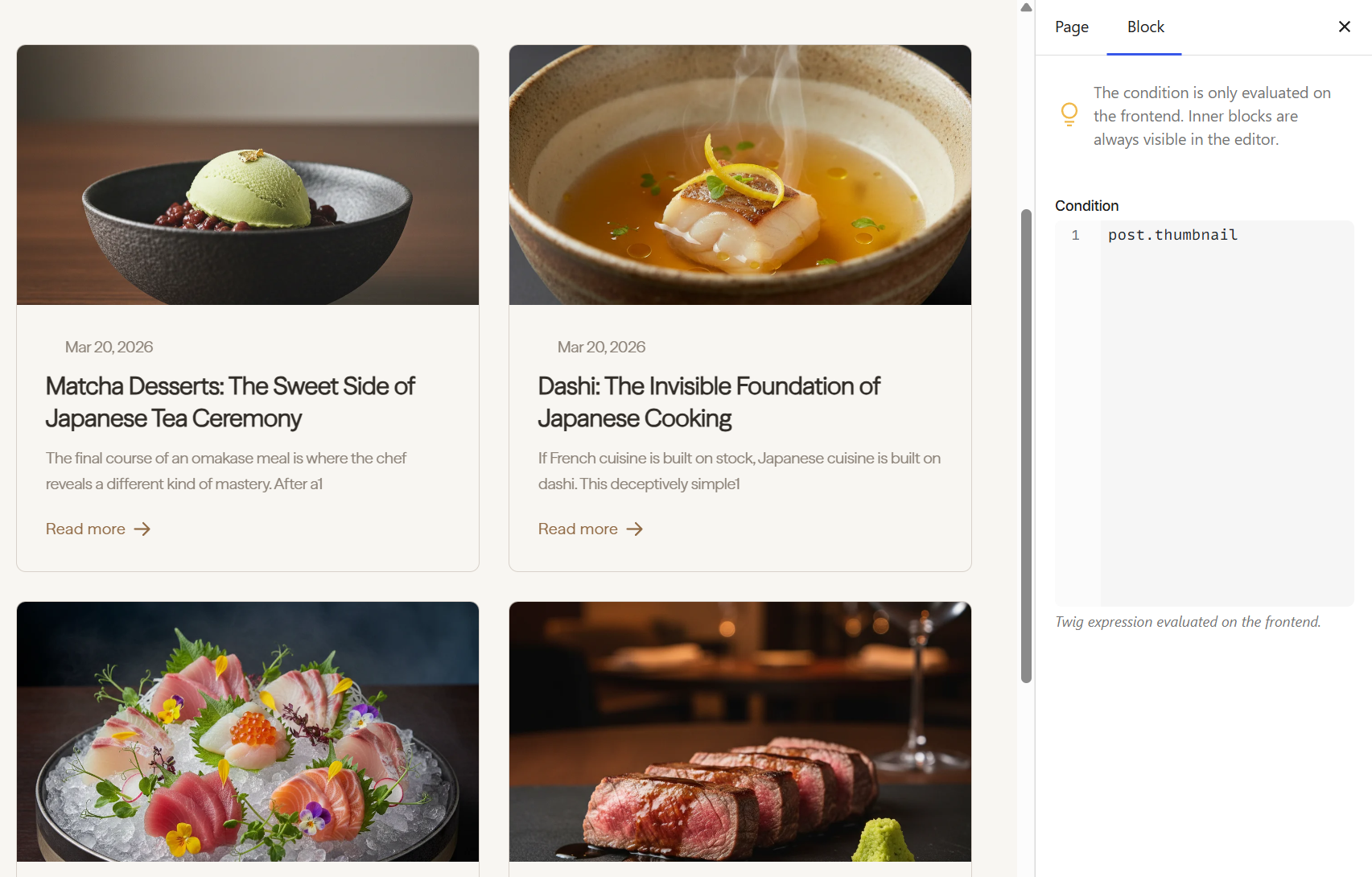
Under the hood, the Condition generates a {% if %} expression:
{% if post.thumbnail %}
    <img src="{{ post.thumbnail.src }}" alt="{{ post.thumbnail.alt }}">
{% endif %}
See the Condition overview for writing conditions, handling the false case, and common patterns.
Next steps
- Condition overview — operators, false case, patterns
- Loop — repeat content over collections
- Dynamic Data — all available fields you can check against